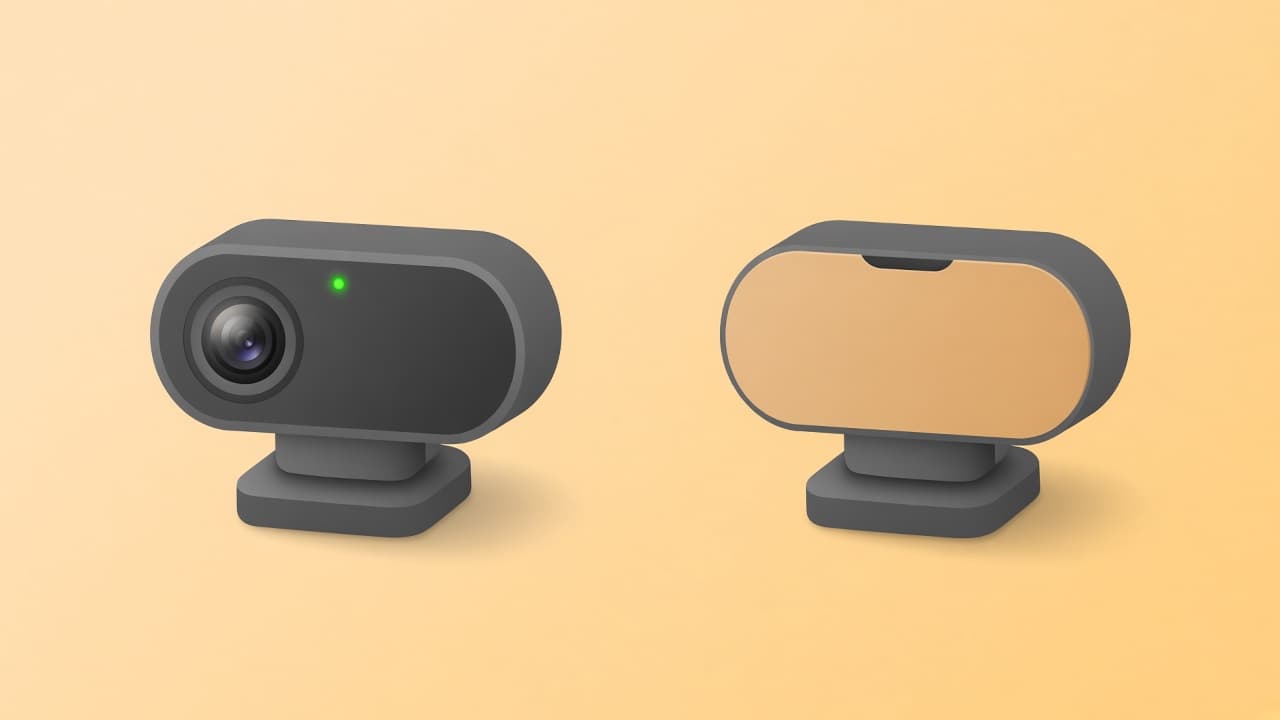
Camera on or off is one of the biggest comfort decisions in online stranger chat. Video can feel immediate. Voice without a lens can feel freer. This guide compares both for connection, privacy, energy, and everyday use cases so you can choose the better default for you.
Random video made stranger chat famous. It also made many people tense: face on screen, room in frame, and little time to prepare. Camera-off voice keeps the human sound of a conversation without turning your appearance into content for a stranger. Neither option is universally best. Each wins in different situations.
The useful question is not which format is morally better. It is which one matches your goal today: deeper visual presence, or a lower-exposure talk you can start and leave without performing for a lens.
What camera on gives you
With the camera on, you see facial expressions, reactions, and environment cues. Humor can land faster. Shared silence feels less empty because you still have a visual presence. For people who enjoy performing a bit, or who read body language well, video can make a first meeting feel more complete.
The cost is exposure. Your face, age presentation, clothing, home background, and sometimes household details become part of the match. Screenshots and recordings are easier to misuse. Bad actors can react to your appearance instead of your words. Even kind matches may leave you more self-conscious than a voice-only call.
What camera off gives you
Camera off, especially on purpose-built voice platforms, shifts attention to tone and conversation. You can talk from a messy room, a late-night desk, or a day when you do not want to be seen. Many people find it easier to be honest when they are not monitoring how they look.
You still have presence through speech. Laughter, pacing, and curiosity travel well without video. Live text can fill gaps when you need to spell something or share a quiet note. The tradeoff is fewer visual cues. You will not see a smile. You may misread pauses. Some people also feel voice alone is more intimate than they expected, which is why boundaries still matter.
Side-by-side comparison
Camera on versus camera off comparison
Factor
Camera on
Camera off
Visual privacy
Low
High
Facial cues
Available
Not available
Self-consciousness
Often higher
Often lower
Appearance-based judgment
Common risk
Reduced
Setup needs
Lighting, framing, camera permission
Microphone, quieter space
Best for
People comfortable on video
People who want talk without webcam pressure
Privacy and safety differences
Camera on increases what a stranger can capture: face, location clues on shelves, screens in the background, or other people walking through the frame. Camera off removes that layer. It does not remove voice recognition, oversharing, or scam attempts.
If privacy is your priority for random matching, camera off is usually the better default. Pair it with skip, leave, and report tools, and keep personal details out of early talk. For a fuller risk picture, read is random voice chat safe.
When camera on is the better choice
You actively want visual company and are comfortable being seen.
You are meeting someone you already trust in another context.
The product's value depends on shared visuals, not only talk.
You have lighting, a controlled background, and strong exit tools.
Even then, treat camera on as intentional. Do not leave it enabled by habit on a random stranger site.
When camera off is the better choice
You want to meet people without webcam pressure.
You care about reducing screenshots and appearance-based abuse.
You are in a space you do not want strangers to see.
You prefer conversation quality over visual performance.
You want a faster start: mic on, talk, skip if needed.
Qwillow is built for this lane: camera off by design, voice plus live text, no profile, and no account. It is for people who want an online conversation that sounds human without looking like a video booth.
A simple decision guide
Ask yourself three questions before you match:
Do I want this stranger to see my face and room today?
Am I okay if a still image of this call existed later?
Would voice alone still give me the connection I want?
If the first two answers are no, or the third is yes, keep the camera off. If all three point toward video and you accept the tradeoffs, camera on can be fine with careful boundaries.
You can also mix modes across days. Camera off for casual random talk. Camera on only when trust and context already exist. That split prevents one stressful video match from defining your whole stranger-chat experience.
Energy and burnout
Video asks more of you: posture, lighting, facial monitoring, and awareness of what sits behind you. Voice asks for attention and a clear mic. If you burn out quickly on random video, that is data. Camera off is often the sustainable way to keep meeting people without dreading the next start button.
Practical tips for either mode
Grant only the permissions the mode needs.
Use skip early when energy feels wrong.
Do not move to private apps under pressure.
Keep exact location, numbers, and financial asks off the table.
Prefer platforms that explain retention and reporting clearly.
For casual stranger chat where privacy and comfort matter most, camera off is usually better. For people who want full visual presence and accept higher exposure, camera on can be better in the moment. The best choice is the one you can sustain without anxiety and without giving away more identity than you meant to.
For many people, yes. Camera off reduces visual exposure of your face, room, and appearance while still allowing voice connection. Camera on can feel more personal, but it raises privacy and comfort stakes.
Does camera off make chat anonymous?
No. Turning the camera off hides your image, not your voice, words, or technical data. Anonymous-feeling chat still needs careful conversation habits.
When is camera on worth it?
Camera on can help when both people want visual cues, you are comfortable on video, and the platform has strong safety tools. It is a poor default for casual random matching if privacy matters.
Can I use voice without video?
Yes. Voice-only platforms exist specifically for that. You usually need microphone permission, not camera permission.
Is text safer than camera off voice?
Text hides your voice and room sound. Voice can feel warmer and leave less written trail if messages are not stored. Safety depends more on what you share and how easy it is to leave.
What does Qwillow use?
Qwillow is camera-free by design: random voice with live text, no profile, and no account. Camera is not part of the product.
More to read
Other guides on talking to strangers, camera-free chat, and privacy.
Compare voice chat vs text chat for meeting new people online. Communication styles, privacy tradeoffs, and when an online voice conversation works best.
 Qwillow